
A Slower Speed of Light
Download the latest beta releases
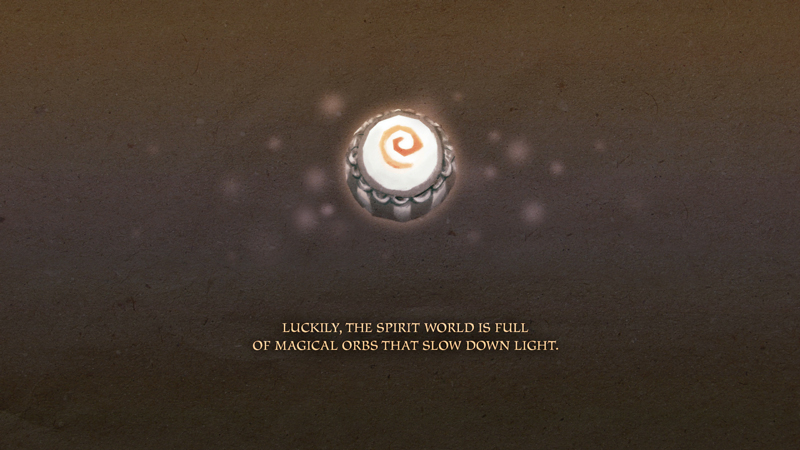
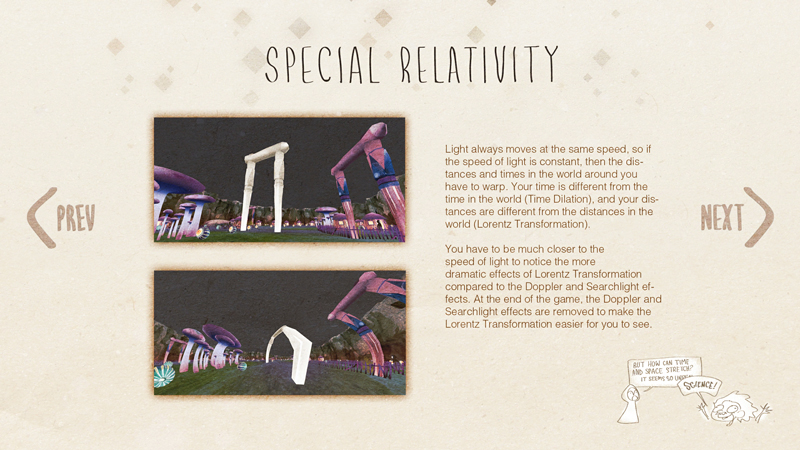
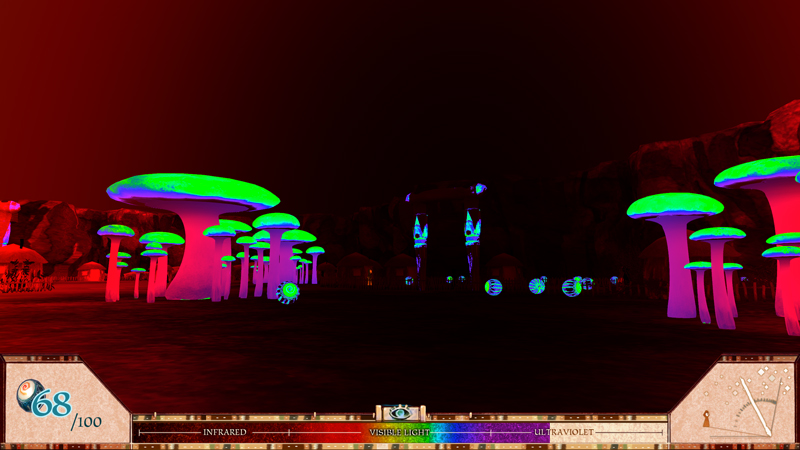
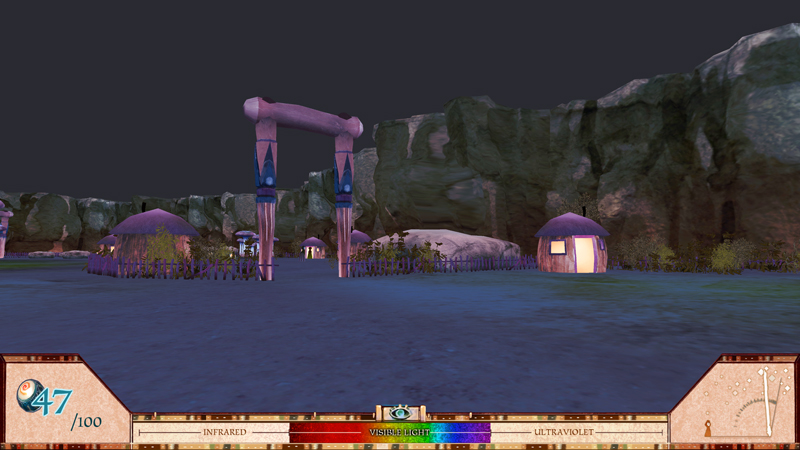
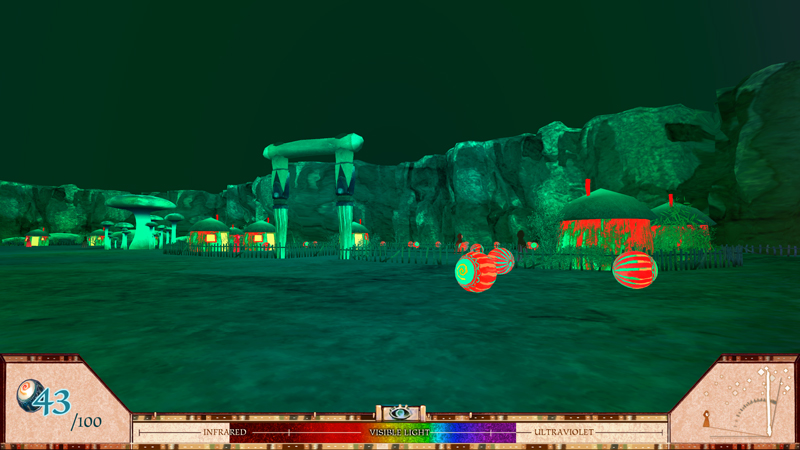
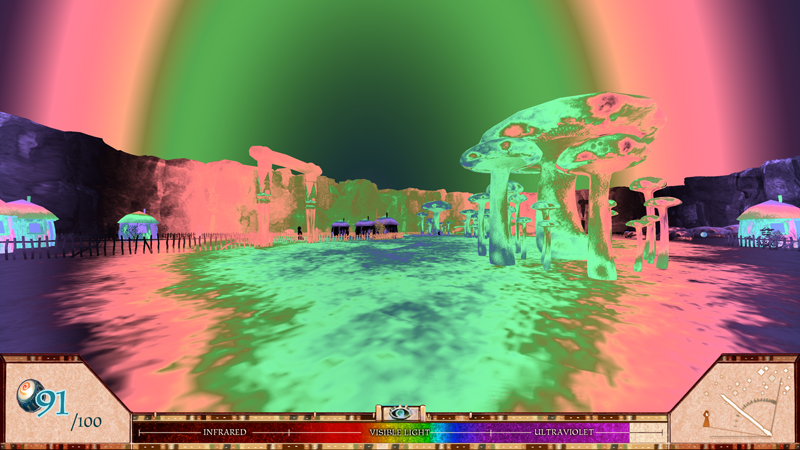
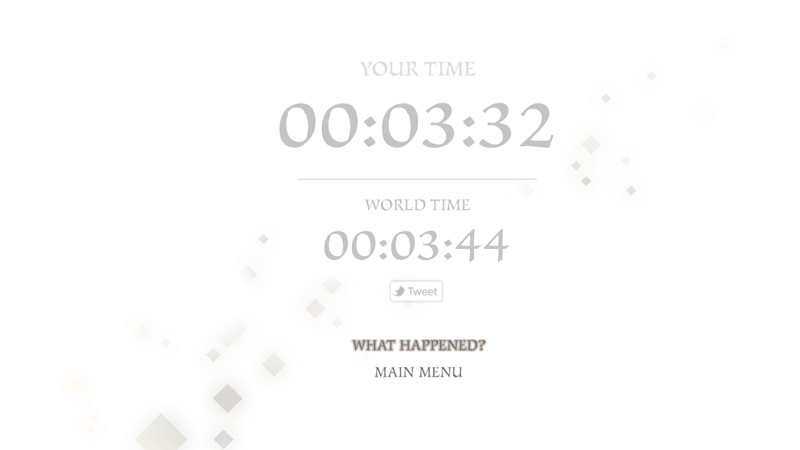
A Slower Speed of Light is a first-person game prototype in which players navigate a 3D space while picking up orbs that reduce the speed of light in increments. Custom-built, open-source relativistic graphics code allows the speed of light in the game to approach the player’s own maximum walking speed. Visual effects of special relativity gradually become apparent to the player, increasing the challenge of gameplay. These effects, rendered in realtime to vertex accuracy, include the Doppler effect (red- and blue-shifting of visible light, and the shifting of infrared and ultraviolet light into the visible spectrum); the searchlight effect (increased brightness in the direction of travel); time dilation (differences in the perceived passage of time from the player and the outside world); Lorentz transformation (warping of space at near-light speeds); and the runtime effect (the ability to see objects as they were in the past, due to the travel time of light). Players can choose to share their mastery and experience of the game through Twitter. A Slower Speed of Light combines accessible gameplay and a fantasy setting with theoretical and computational physics research to deliver an engaging and pedagogically rich experience.
Download our PowerPoint presentation about the relativistic effects in the game: PPT PPTX
OpenRelativity
A Slower Speed of Light was created using OpenRelativity, an open-source toolkit for the Unity game development environment. Intended for game developers, educators, and anyone interested in physics, OpenRelativity can help people create, test, and share experiments to explore the effects of special relativity.
Requirements
A Slower Speed of Light has been tested on computers with the configurations listed below.
- Intel Core 2 Duo T9900 or Core i7 (2.8GHz clock speed)
- Windows 7, Mac OS X 10.6.8 (Snow Leopard) or higher, and Linux (Ubuntu 13)
- AMD Radeon HD 6970M/AMD Mobility Radeon HD 4850/Nvidia GeForce 9600M GT
- 8GB RAM
Screenshots

Posters
Credits
Gerd Kortemeyer Product Owner
Philip Tan Staff Liaison
Ryan Cheu Programmer
Ebae Kim Artist, Designer
Zach Sherin Programmer, QA Lead
Sonny Sidhu Producer, Designer
Abe Stein Audio Design, Music
Press Inquiries
For high-resolution screenshots, please download our press packet
For press inquiries, contact Philip Tan: gamelab-request@mit.edu
Technical Support and Bug Reports
Please direct bug reports, technical questions, and problems to open-relativity-bugs@mit.edu.
Some users have reported that the game may run on Windows XP and 2GB RAM. A known bug will crash the game on computers with some Intel graphics chipsets (the beta version might fix this issue).
To run the game, Windows users with multiple graphics processors may need to right-click the game’s application icon, select ‘Run with graphics processor,’ and choose the option that is not marked as the default.
To start the game on Linux in a different screen resolution, use one of the following options from the command line inside the game folder, replacing screenwidth and screenheight with your width and height of your screen in pixels:
- 32-bit:
./"A Slower Speed of Light.x86" -screen-width [screenwidth] -screen-height [screenheight] - 64-bit:
./"A Slower Speed of Light.x86_64" -screen-width [screenwidth] -screen-height [screenheight] - Example:
./"A Slower Speed of Light.x86_64" -screen-width 1280 -screen-height 720
You can also adjust other Linux game settings from the command line. Here is the full list of command-line options for all platforms.
Publications
Zachary W. Sherin, Ryan Cheu, Philip Tan, and Gerd Kortemeyer, (2016): Visualizing Relativity: the OpenRelativity Project, American Journal of Physics 84, 369-374
Gerd Kortemeyer, Philip Tan, and Steven Schirra, (2013): A Slower Speed of Light: Developing intuition about special relativity with games FDG 2013, FDG ‘13 Proceedings of the International Conference on the Foundations of Digital Games. ACM New York, NY, USA p. 400-402
Gerd Kortemeyer, Jordan Fish, Jesse Hacker, Justin Kienle, Alexander Kobylarek, Michael Sigler, Bert Wierenga, Ryan Cheu, Ebae Kim, Zach Sherin, Sonny Sidhu, and Philip Tan, (2013): Seeing and Experiencing Relativity – A New Tool for Teaching? The Physics Teacher